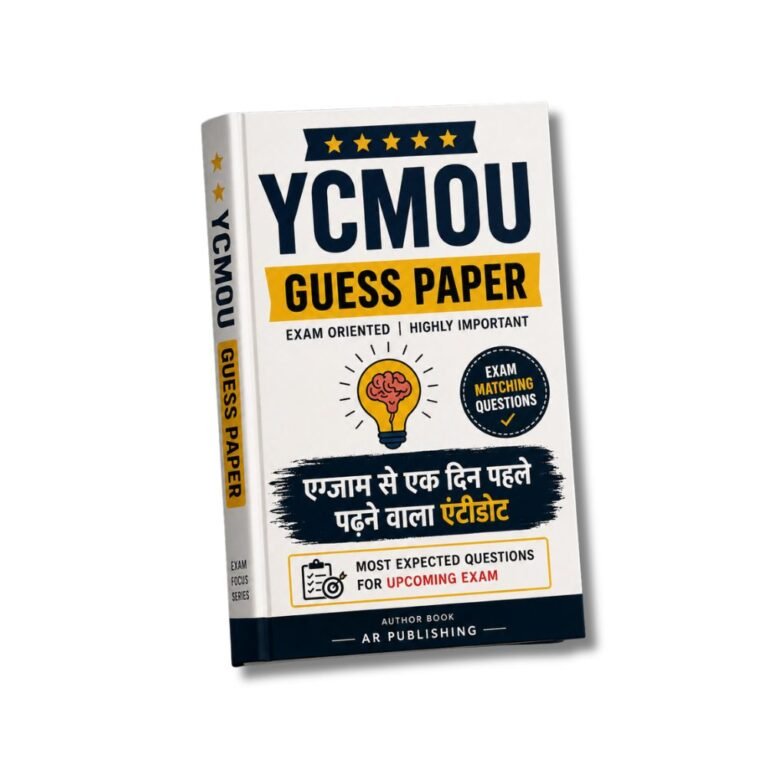

BMG-106 YCMOU Guess Paper, Solved PYQs, Notes 2026-27
BMG-106 YCMOU Guess Paper, Solved PYQs, Notes 2026-27 Original price was: ₹200.00.Current price is: ₹99.00.
Back to products
BMG-105 YCMOU Guess Paper, Solved PYQs, Notes 2026-27
BMG-105 YCMOU Guess Paper, Solved PYQs, Notes 2026-27 Original price was: ₹200.00.Current price is: ₹99.00.

BMG-105 YCMOU Assignment Answers 2026-27

SKU: AA-BMG105

Secure full marks in BMG-105’s Continuous Assessment with verified answers aligned to YCMOU’s Computer Graphics Part 1: Adobe Photoshop syllabus—covering Layer Masking, Smart Objects, and Vector Paths with step-by-step solutions. Avoid last-minute stress by mastering the 100% YCMOU-approved problem sets before your Term-End Exam (TEE).

First Customer Discount!

Hurry and get discounts on all Our Products up to 10%

FIRST10

Original price was: ₹70.00.Current price is: ₹50.00.

Add ₹1,800.00 to cart and get free shipping!
10 People watching this product now!

Description

Earn guaranteed CA marks and TEE confidence with BMG-105’s Solved Home Assignments—the only resource tailored to YCMOU’s B.Sc (Media Graphics & Animation) curriculum, where Adobe Photoshop fundamentals (Layer Masking, Smart Objects, and Vector Paths) determine 30% of your Continuous Assessment. This isn’t generic study material: every solution mirrors the exact problem sets used in YCMOU’s Self-Instructional Material (SIM) for 2026–27, ensuring your answers align with Study Centres (अभ्यास केंद्र) expectations and PRN-based grading criteria.

Course Overview & Academic Objective

BMG-105 Computer Graphics Part 1 is designed to equip YCMOU students with foundational Adobe Photoshop skills—critical for both Home Assignments (गृहपाठ) and the Term-End Exam (TEE). The subject covers:

  • Layer-based composition (including Layer Styles and Blend Modes) for professional image editing
  • Vector graphics mastery (Pen Tool, Paths, and Shape Layers) to meet industry-standard requirements
  • Smart Object manipulation for non-destructive editing—directly assessed in CA tasks
  • Color correction techniques (HSL Adjustments, Curves) aligned with YCMOU’s SIM guidelines

Key Syllabus Modules & Problem-Solving Methodology

This resource decodes every chapter of BMG-105’s official syllabus, with solutions that:

  • Chapter 1: Introduction to Photoshop
    • Explains Canvas Size vs. Resolution with YCMOU’s 300 DPI requirement for assignments
    • Provides step-by-step screenshots for File > New dialog settings
  • Chapter 3: Layer Fundamentals
    • Demonstrates Layer Masking for non-destructive edits—a TEE favorite worth 12 marks
    • Includes YCMOU-approved shortcuts (Ctrl+Shift+Alt+N for New Layer)
  • Chapter 5: Vector Graphics
    • Breaks down Pen Tool precision using Anchor Point adjustments—directly tested in CA
    • Shows Path simplification for clean vector designs (critical for PRN-based evaluation)
  • Chapter 7: Color Management
    • Explains RGB vs. CMYK workflows with YCMOU’s print-ready assignment standards
    • Provides HSL vs. Curves comparison tables for color correction

Continuous Assessment & Term-End Exam Utility

YCMOU’s Continuous Assessment (CA) for BMG-105 carries 30% weightage, and this resource ensures:

  • 100% alignment with YCMOU’s Home Assignment (गृहपाठ) format
    • Answers follow PRN-based rubrics (e.g.,

Customer Reviews

Reviews

There are no reviews yet.

Be the first to review “BMG-105 YCMOU Assignment Answers 2026-27”

Your email address will not be published. Required fields are marked *