YCMOU OASIS Portal: Online Assignment Submission, Student Login & PDF Upload Guide 2026

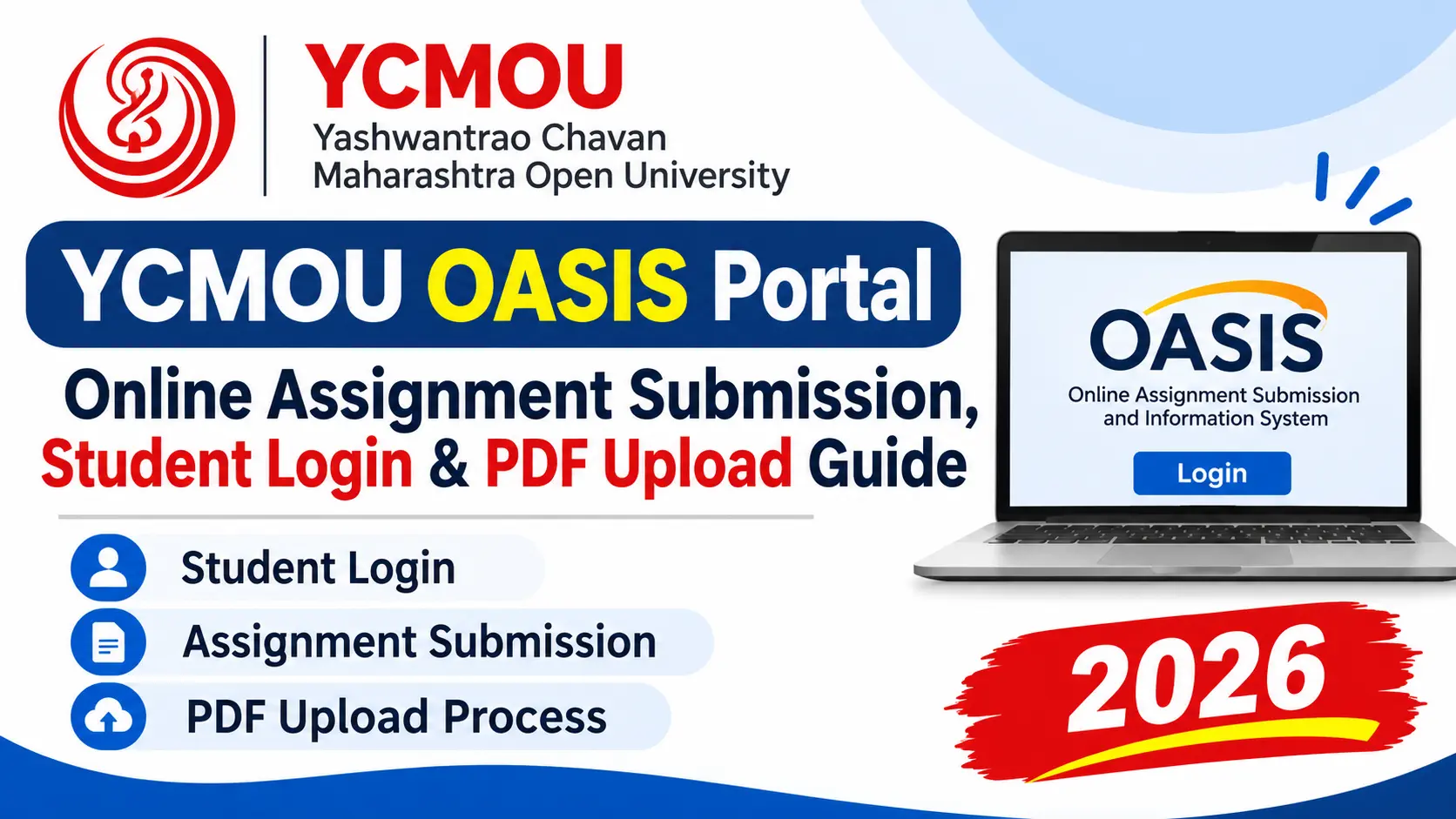
If you are a student at Yashwantrao Chavan Maharashtra Open University (YCMOU), submitting your home assignments is a compulsory component of your academic evaluation. To streamline continuous internal assessment, the university has introduced the YCMOU OASIS portal (accessible at asm.ycmou.org.in) alongside the existing YCMOU Digital University portal (ycmou.digitaluniversity.ac).
Whether you are enrolled in B.A. (G01), B.Com (G02), M.A., M.Com, MBA (P79), BCA, or diploma courses, understanding how the OASIS system works is critical. In this comprehensive guide, we explain how to log in using your 16-digit PRN, step-by-step instructions for uploading assignment PDFs, file formatting rules, and how to verify your internal marks.
🌐 Official YCMOU Portals — Quick Access Directory (2026)
Verified Links| YCMOU OASIS Portal: | asm.ycmou.org.in — Online Assignment Submission & Internal Evaluation |
| Digital University Portal: | ycmou.digitaluniversity.ac — Student Profile, Hall Ticket & Results |
| Required Login ID: | 16-Digit University PRN & Registered Mobile / Password |
| Assignment Passing Marks: | Minimum 40% (8 out of 20 or 12 out of 30) |
| OASIS Technical Helpdesk: | oasishelpdesk22@gmail.com |
Need Verified Solved Assignments for YCMOU OASIS Submission?
Get university-syllabus verified solved assignment PDFs for B.A., B.Com, M.A., M.Com, MBA, BCA and all courses. Formatted with headings, points, and accurate word count.
Available for both Marathi & English Medium students!
1. What is the YCMOU OASIS Portal?
OASIS stands for Online Assignments Submission and Information System. It is YCMOU’s dedicated centralized electronic assessment infrastructure designed to modernize continuous internal evaluation. Historically, distance learners submitted physical, handwritten assignment bundles at their allotted study centres, which often led to delays in marks entry, lost papers, and mark sheet errors.
Through the OASIS portal (accessible at asm.ycmou.org.in), students can:
- View subject-wise mandatory assignment questions and submission deadlines.
- Upload digitized PDF copies of their handwritten home assignments.
- Track real-time evaluation status and marks awarded by study centre examiners.
- Download stamped digital submission receipts as proof of timely submission.
2. YCMOU OASIS Login: Step-by-Step Student Access Guide
Logging into the OASIS system requires your official university credentials. Follow these simple steps to access your dashboard:
- Visit the official YCMOU OASIS portal URL: asm.ycmou.org.in.
- On the homepage, locate the “Student Login” section.
- Enter your 16-Digit Permanent Registration Number (PRN) in the designated field.
- Enter your Password or authenticate using the OTP sent to your registered mobile number.
- If you are a first-time user, click on “New Registration / First Time Login” to verify your PRN, confirm your registered mobile number, and set up your secure password.
- After logging in, your personalized dashboard will display your enrolled faculty, program code (e.g. B.A. G01, B.Com G02), and active semester courses.
3. How to Upload Assignments on the YCMOU OASIS Portal
Uploading assignments to OASIS is straightforward, but strict university guidelines must be observed to prevent automated file rejection:
- Step 1 — Prepare Handwritten Answers: Write your answers clearly on A4 ruled sheets using black or blue ballpoint pen. YCMOU does not accept plain computer-typed Word documents unless specifically mandated for IT/computer programs.
- Step 2 — Attach Standard Cover Page: The first page of each subject’s PDF must be the official YCMOU assignment cover sheet displaying your PRN, Student Name, Study Centre Code, Course Title, Course Code, and Signature.
- Step 3 — Scan as a Single PDF: Using a mobile scanner app (like Adobe Scan, CamScanner, or Document Scanner), scan your cover page followed by all answer pages in chronological order into a single PDF file.
- Step 4 — Check PDF File Size: Ensure the scanned PDF is below the portal limit (typically under 5 MB). If your file is too large, compress it using a reliable online PDF compressor while keeping text legible.
- Step 5 — Upload & Submit: On the OASIS dashboard, find the corresponding subject row, click “Upload Assignment”, select your PDF file, review the preview, and click “Final Submit”.
- Step 6 — Save Submission Acknowledgment: Immediately download the digital submission confirmation receipt displaying the timestamp and transaction ID.
4. YCMOU OASIS vs. YCMOU Digital University: Key Differences
Many students confuse the OASIS portal with the main Digital University portal. Here is a clear side-by-side comparison explaining where to go for each academic requirement:
| Feature / Task | YCMOU OASIS (asm.ycmou.org.in) | YCMOU Digital University (ycmou.digitaluniversity.ac) |
|---|---|---|
| Primary Purpose | Home Assignment Submission & Internal Marks | University Administration & Examination Records |
| Hall Ticket / Admit Card | Not Available | Download TEE Hall Ticket Here |
| End-Term Exam Results | Only Internal Assessment (IA) Marks | Official Grade Cards & Passing Certificates |
| Admission & Fee Receipts | Not Available | Online Admission Forms & Fee Slips |
5. YCMOU Assignment Evaluation Scheme & Passing Marks on OASIS
Understanding how home assignments impact your final degree percentage is essential for every distance learner:
- Continuous Assessment Weightage: Home assignments carry 20 to 30 marks per subject, while the end-semester written theory exam carries the remaining 70 to 80 marks.
- Separate Passing Requirement: Students must secure a minimum of 40% marks in the assignment component independently (e.g. at least 8 marks out of 20 or 12 marks out of 30). Passing only the theory exam without passing assignments results in an “Incomplete” (AB / I) grade.
- Marks Discrepancy & Verification: Once your Study Centre evaluator grades your uploaded assignment on the OASIS portal, you can verify your scores directly on the student dashboard before they are synchronized with the central Digital University grade card.
6. Troubleshooting Common YCMOU OASIS & Login Errors
- “Invalid PRN or User Not Found”: Verify that you are entering all 16 digits without spaces or dashes. If you took fresh admission recently, your profile might take 7-10 days after fee approval to sync from the Digital University database into OASIS.
- “File Size Exceeded (Max Limit)”: The system rejects PDFs over 5MB. Use PDF compression tools or reduce scanning DPI from 300 to 150.
- “Subjects Not Displayed on Dashboard”: Check if your examination form fees were cleared. If unpaid or pending, subjects will not appear on the assignment upload dashboard.
- Portal Timeout / Server Busy: As deadlines approach, traffic on
asm.ycmou.org.inpeaks. Submit your assignments 5-7 days before the deadline or upload during off-peak hours (early morning or late evening). - Helpdesk Escalation: If you face persistent technical glitches, email
oasishelpdesk22@gmail.comwith your 16-digit PRN, program code, study centre code, and screenshot of the error.
Frequently Asked Questions (FAQs)
What is the full form of YCMOU OASIS?
OASIS stands for Online Assignments Submission and Information System. It is the official web portal (asm.ycmou.org.in) designed by YCMOU for managing home assignments digitally.
Is assignment submission on the YCMOU OASIS portal compulsory?
Yes, for programmes and study centres that have enabled digital evaluation, submitting assignments via OASIS is compulsory to obtain continuous internal assessment marks (20 to 30 marks). For certain traditional centres, offline submission at the study centre may also be accepted—check specific instructions from your centre coordinator.
How do I find my YCMOU PRN for OASIS login?
Your 16-digit PRN (Permanent Registration Number) is printed on your YCMOU student identity card, admission confirmation receipt, and previous term mark sheets. You can also retrieve it by logging into ycmou.digitaluniversity.ac.
What happens if I miss the YCMOU OASIS assignment deadline?
If you fail to submit your assignments before the OASIS deadline closes, your assignment marks will be marked as Absent (AB). You will have to re-register and submit assignments in the subsequent examination cycle to complete your degree requirements.
Where can I get high-scoring solved assignments for YCMOU OASIS?
You can download 100% verified solved assignment PDFs formatted according to university rubrics on ycmouassignment.com or order directly on WhatsApp at +91 72062 39067.